Concerns and Considerations
Have you planned for the following?
- Connectivity (wi-fi, power/charging, infrastructure)
- Learning curve (for you and for students)
- Sunsetting of Tools (nothing lasts forever)
- Increased incorporation of AI into these tools
- Face-to-face teaching requirements/adaptations
- Prep time
Active Learning Software and Programs
The list below provides links to services you might choose to use for your active learning activities which are online. Services listed currently have free access unless they have the dollar sign symbol.
Symbols:
 = Supported and/or preferred by USC
 = can be used asynchronously
 = may require a paid account for instructor and/or student
- OneDrive
- PowerPoint 365
- Word 365
- Zoom Whiteboard
- Keynote app (Apple devices only)
- Freeform app (Apple devices only)
- Gemini Notebook (formerly Noterbook LM)
- Google Docs
- Google Slides
- Miro Whiteboard
(These products are mostly used by individuals, but some can be adapted for collaboration)
- Panopto
- PowerPoint 365
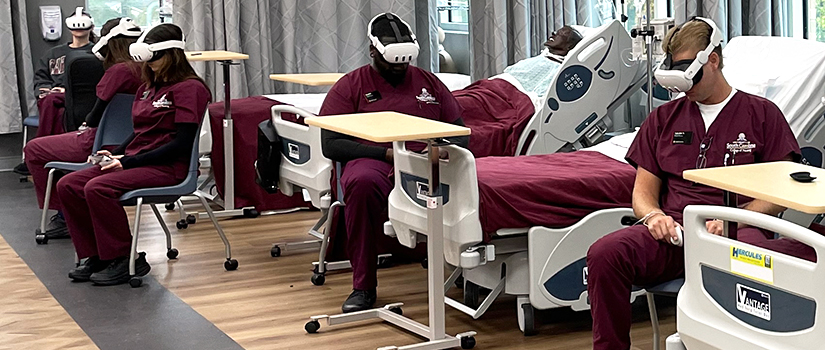
- Virtual Reality.
- Camtasia
- Canva
- Adobe Podcast
- Audacity
- Garage Band (Apple devices only)
- Google Slides
- iMovie (Apple devices only)
(These products are mostly used by individuals, but some can be adapted for collaboration)
(These products are mostly used by individuals, but some can be adapted for collaboration)